Drawing 02.9, web application
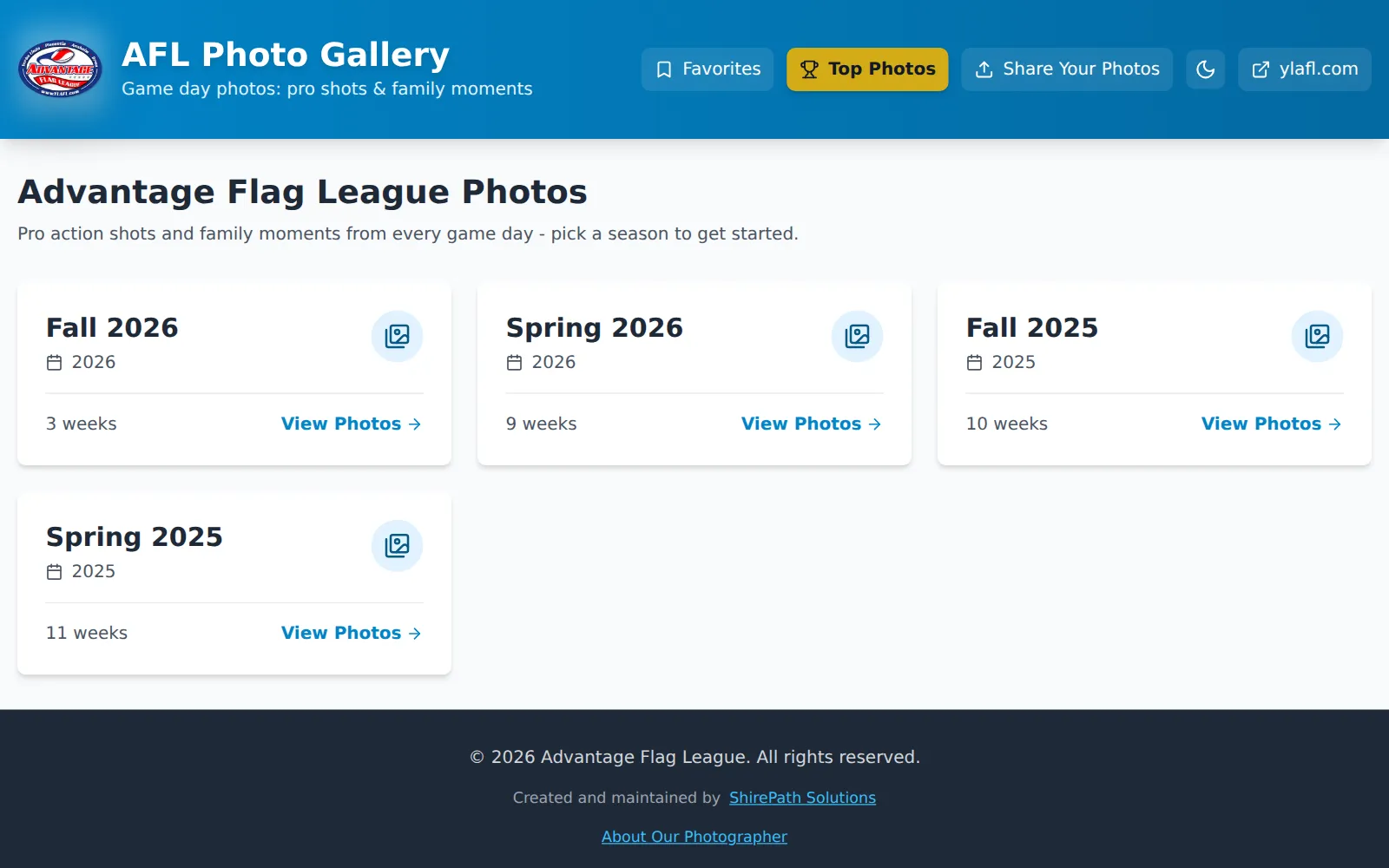
AFL Photo Gallery
Game photography for the Advantage Flag League, by season and week, with votes, reactions, sharing, and downloads. Parents and photographers can send photos in, and an admin approves each one before it appears.
| No. | Part | What it does here |
|---|---|---|
| 1 | Families | Browse seasons and weeks, vote, react, share, and keep favorites in their own browser. |
| 2 | Uploaders | Parents and photographers send photos in; admins approve them from a queue. |
| 3 | Next.js on Vercel | Cached gallery pages and the routes that hold the Firebase admin keys; every write goes through here. |
| 4 | Firebase Storage | Approved photos by season and week, and new uploads in a pending folder. |
| 5 | Firestore | Votes, reactions, the upload queue, and upload limits. |
| 6 | Slack | A note for each upload waiting for review. |
Why it exists
The league needed a way to share game photos with families. I built a fast gallery that makes it easy to find and save your kid's best moments, and then a way for the parents with good cameras to add theirs.
How it is built
The photos live in one bucket, filed by season and week, and the gallery reads its seasons straight from those folders, cached for minutes at a time. Votes and reactions go through the app's own routes to Firestore; the browser cannot write to the database at all.
An upload asks the app for a signed URL, goes straight from the browser into a pending folder with a size cap, and posts a note to the league's Slack. An admin approves it from a queue, which moves it into its season and week. Favorites stay in each family's own browser, so nobody needs an account to keep them.
What it does
- Seasons and weeks browsed straight from the photo bucket
- Votes, reactions, and top photos
- Uploads from parents, approved by an admin first
- Share previews for every season, week, and photo
- Favorites kept in each family's browser, no account needed
Plates